Where can I see customers who returned within 30 days?
Navigate to Loyalty Insights and click Overview. Under Returned within 30 days, click View returned customers to see the customer list.
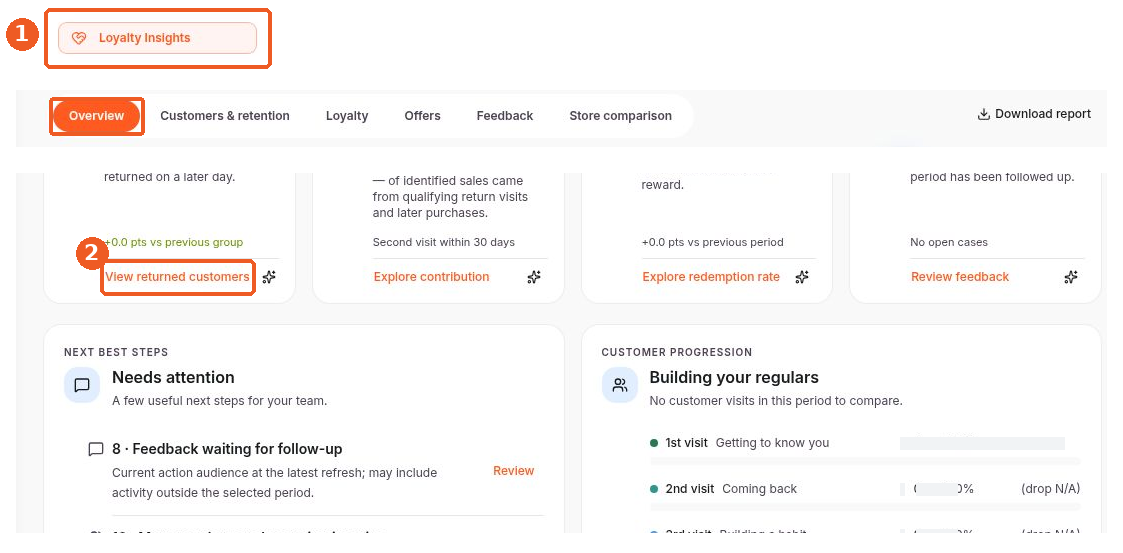
Navigate to Loyalty Insights and click Overview. Under Returned within 30 days, click View returned customers to see the customer list.